
Five Key Features of Educational Institution Websites
Creating a website for an educational institution is more than just putting information online. It’s about building a platform that connects, informs, and inspires. When done right, it becomes a powerful tool to engage students, parents, and staff. I’ve seen firsthand how the right features can transform a site from a simple brochure into a dynamic hub for learning and communication. Let’s dive into the five key features every educational website needs to succeed.
Essential Features of Educational Institution Websites
Your website should be easy to navigate. Visitors want to find what they need quickly without frustration. Clear menus, logical page structures, and a search function are must-haves. Think about the different users - students looking for homework help, parents checking calendars, or staff posting announcements. Each group needs a smooth experience.
Actionable tip: Use a simple top navigation bar with dropdowns for categories like Academics, Admissions, Events, and Contact. Add a search box in the header for quick access.
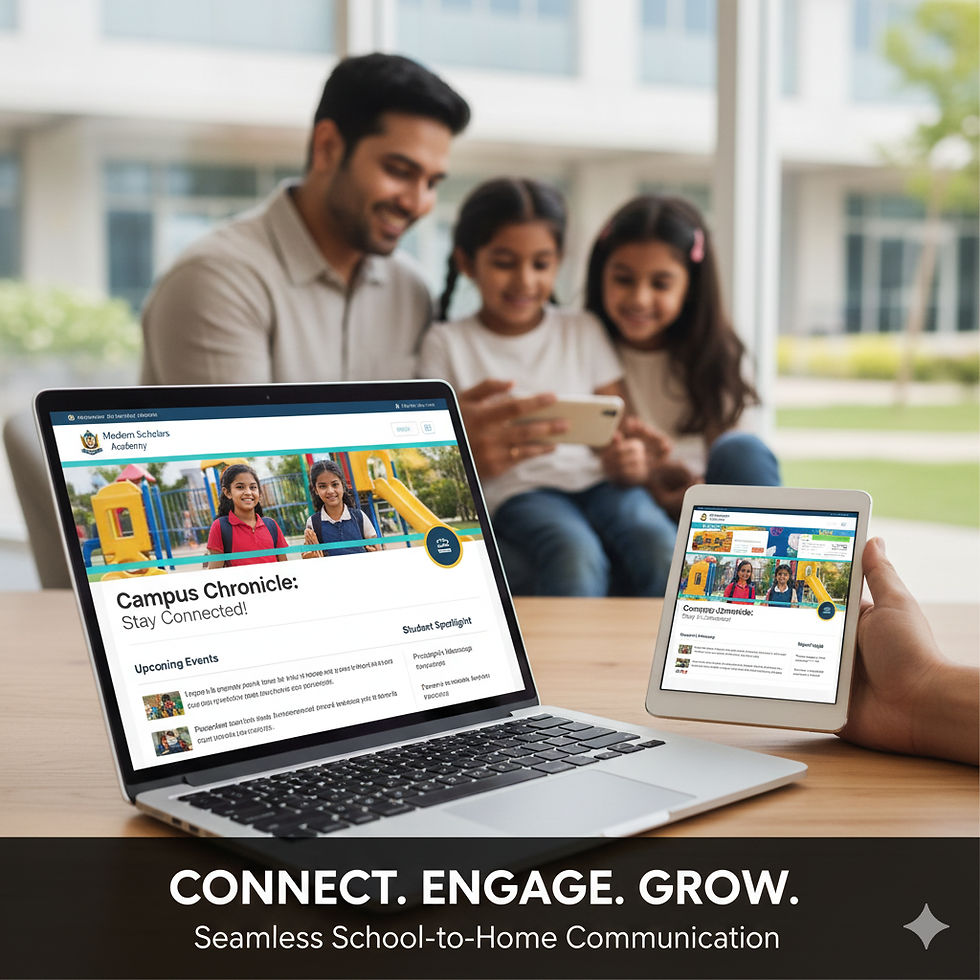
Another critical feature is mobile responsiveness. More people access websites on their phones than ever before. If your site doesn’t look good or work well on mobile devices, you risk losing visitors. Responsive design adjusts the layout to fit any screen size, making it user-friendly everywhere.
Example: A student checking class schedules on their phone should see a clean, readable page without zooming or horizontal scrolling.

Interactive Tools to Engage Users
Static pages are no longer enough. Interactive tools keep users engaged and encourage repeat visits. Features like online quizzes, event calendars, and forums create a sense of community and involvement.
For instance, an online quiz can help students test their knowledge in a fun way. Calendars with clickable events allow parents and students to stay updated on school activities. Forums or chat features enable communication between students and teachers outside the classroom.
Pro tip: Integrate a calendar that syncs with Google or Outlook. This way, users can add events directly to their personal schedules.
Another interactive element is a virtual tour. This is especially useful for prospective students and parents who want to explore the campus remotely. A well-designed virtual tour can highlight facilities, classrooms, and common areas, making the institution feel welcoming and accessible.
Clear Communication Channels
Communication is the backbone of any educational website. You want to make it easy for visitors to reach out with questions or feedback. Contact forms, live chat, and clear phone numbers or email addresses should be visible on every page.
A dedicated FAQ section can reduce repetitive inquiries by answering common questions upfront. This saves time for your staff and provides instant help to visitors.
Example: A contact form with dropdown options like "Admissions," "Technical Support," or "General Inquiry" directs messages to the right department quickly.
Additionally, newsletters and announcements keep your community informed. Offering a simple signup form for email updates encourages ongoing engagement and builds trust.

Accessibility for All Users
An educational website must be accessible to everyone, including people with disabilities. This means following web accessibility standards like providing alt text for images, using readable fonts, and ensuring keyboard navigation.
Accessibility isn’t just about compliance; it’s about inclusivity. When your site is accessible, you open doors for all students and parents to participate fully.
Actionable advice: Use high-contrast colors for text and backgrounds. Avoid flashing elements that can trigger seizures. Test your site with screen readers to ensure content is understandable.
Fast Loading and Reliable Performance
Nothing frustrates users more than a slow website. Speed is crucial, especially when students or parents need quick access to information. A fast-loading site improves user experience and boosts your search engine rankings.
Optimize images, use efficient coding, and choose a reliable hosting provider. Regularly test your site’s speed using tools like Google PageSpeed Insights and make improvements as needed.
Example: Compress images without losing quality and minimize the use of heavy scripts that slow down loading times.
Building a website with these five key features will help your institution stand out online. If you want to explore how expert educational website design can elevate your online presence, consider partnering with professionals who understand your unique needs.
Your website is more than a digital address - it’s a gateway to your community. Make it welcoming, efficient, and engaging. The right features will help you connect better with students and parents, grow admissions, and support your educational mission every day.

Comments